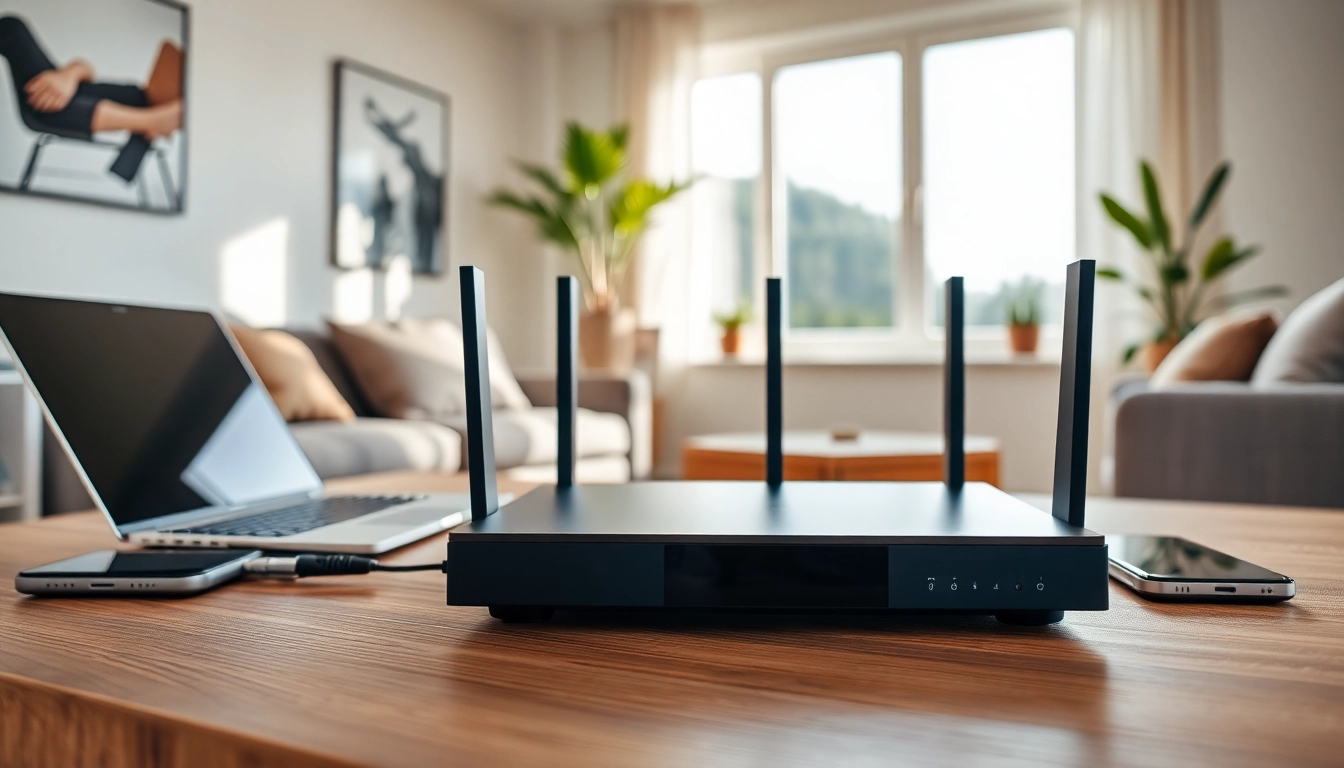
Understanding VPN Routers for Home
What is a VPN Router?
A VPN router is a type of networking device that connects to the internet and routes traffic from connected devices through a Virtual Private Network (VPN). This configuration not only ensures encrypted communication but also masks the original IP address, providing enhanced privacy and security for all devices on the network. Essentially, it creates a secure tunnel between the router and the VPN server, encapsulating all data traveling back and forth. This offers a robust layer of protection that standard routers, lacking VPN functionality, cannot provide. By utilizing a vpn router for home, households can ensure that every device connected to their network benefits from VPN encryption without requiring individual VPN applications. This is particularly beneficial for devices that don't support VPN software natively, such as certain smart TVs, gaming consoles, and IoT devices.
How VPN Routers Enhance Security
Security is one of the primary motivations for implementing a VPN router in homes. By routing all traffic through a VPN, users gain protection against numerous cyber threats, including malware, phishing attacks, and data surveillance. Here’s how VPN routers contribute to a more secure online environment: - Encryption: VPN routers encrypt data packets, shielding sensitive information such as passwords and credit card details from hackers. - IP Masking: By concealing the user's IP address, it becomes substantially harder for cybercriminals and intrusive advertisers to track online activities. - Secure Remote Access: Users can securely access their home network and devices from outside without compromising network security. - Public Wi-Fi Protection: A VPN router secures any device connected to a Wi-Fi network, minimizing risks associated with public networks.
Key Features of VPN Routers
When searching for the right VPN router for home use, it’s crucial to consider specific features that ensure robustness and functionality. Here are some key aspects to look out for: - Compatibility with Major VPN Protocols: Look for routers that support popular protocols like OpenVPN, L2TP/IPsec, and IKEv2 for comprehensive flexibility. - Speed and Performance: Consider routers with dual-band capabilities and adequate throughput to maintain performance despite encryption overhead. - Firmware Updates: Well-supported routers receive regular firmware updates, which are integral for maintaining security and functionality. - User-friendly Interface: An intuitive setup process and a straightforward interface for configuration will facilitate easier management. - Multi-device Support: A VPN router must handle multiple simultaneous connections without compromising speed or security.
Benefits of Using a VPN Router for Home
Integrating a VPN router into your home network offers several attractive benefits that provide peace of mind and convenience.
Comprehensive Device Protection
One of the standout advantages of employing a VPN router is the ability to protect multiple devices simultaneously. Unlike traditional VPN services that require installation on individual devices, a VPN router secures all connected devices. This includes smartphones, laptops, desktop computers, smart home gadgets, and gaming consoles. Consequently, every family member can browse more securely without needing to set up separate accounts or worry about shared device vulnerabilities.
Enhanced Online Privacy
Online privacy is a growing concern for many users amid increasing data tracking and surveillance by both governments and corporations. A VPN router offers an effective solution by encrypting data transmissions and obscuring user activities. With a VPN activating system-wide protection, families can enjoy increased privacy while browsing, streaming, or shopping online. This is particularly significant for those who prioritize data security in a world where digital footprints can be easily exploited.
Improved Internet Speed and Reliability
While many users believe that using a VPN slows down their internet speed, a well-configured VPN router can actually enhance browsing experiences. High-quality VPN routers can optimize routing, leading to less latency and more reliable connections. Additionally, users often experience faster speeds when connecting to servers in regions with less congestion or lower data caps compared to their local ISPs. Additionally, achieving a stable connection across multiple devices is simpler and more efficient through a dedicated hardware solution.
Evaluating Your Needs for a VPN Router
Before purchasing a VPN router, it is advisable to evaluate specific needs and preferences to make an informed decision.
Assessing Device Compatibility
Not every router is compatible with all devices, so it’s vital to ensure that potential purchases can seamlessly work with all your gadgets. Review the specifications and possible compatibility with various operating systems present in your household. For instance, ensure the router supports Windows, macOS, and mobile operating systems like Android and iOS.
Understanding Your Internet Usage
Understanding how you and your family use the internet will aid in choosing the right router. For example, if your household does extensive streaming or gaming, high-speed capabilities and robust WLAN (Wireless Local Area Network) performance are critical. Similarly, households with multiple users requiring simultaneous connections should opt for high-capacity routers.
Length of Coverage Required
The size of your home will significantly influence the type of router you require. Ensure to measure the square footage of the area that needs coverage and select routers that can either provide extensive range or consider additional access points to guarantee complete connectivity. Mesh networks are also an excellent option for ensuring comprehensive coverage in larger homes.
Best Practices for Setting Up Your VPN Router
Setting up a VPN router can seem daunting, but adhering to best practices will ensure a smooth installation and optimal configurations.
Initial Configuration Steps
The initial setup process usually involves connecting the router to a modem, followed by accessing the router's settings via a web interface. Users should create a secure administrative password and update the router's firmware before proceeding further. It’s critical to select your desired VPN service and follow any outlined instructions specific to that service for integrating it with your router.
Optimizing VPN Settings
After the initial setup, optimizing VPN settings can help improve performance. Choose the fastest server location as a starting point for connections. Test various protocols, as some may work better for given tasks (like streaming versus secure browsing). Assess traffic management settings to prioritize bandwidth for applications that require low latency.
Testing Your VPN Router
Post-setup testing is pivotal in ensuring everything functions correctly. Check the connection speed, confirm that your IP address is masked, and test various devices and use cases for functionality. Many dynamic IPs can alter with use, so perform periodic checks and monitor any changes to speed or accessibility.
Frequently Asked Questions about VPN Routers for Home
Is a VPN router good for home use?
Yes, a VPN router is ideal for home use as it offers secure internet access across all connected devices, ensuring privacy and encrypted communication.
What is the best VPN router for home?
The best VPN router is one that meets your specific needs in terms of speed, compatibility, and ease of use. Look for features such as dual-band capabilities and strong security protocols.
How do I choose the right VPN router for home?
Assess factors like device compatibility, internet usage patterns, and coverage area when selecting a VPN router to ensure it meets your household's needs.
Can I use any VPN with my VPN router?
Most VPN routers support a variety of VPN providers. However, ensure the router is compatible with your chosen provider's protocol and settings.
How often should I update my VPN router's firmware?
Regularly check for firmware updates and install them at least quarterly to ensure optimal performance and security.